1. The Challenge
2. Characters
3. Design Process & Visual Exploration
4. Social Media Assets
5. Video Content
6. The Game
7. Out of home advertising
8. Metrics & Impact
9. Learnings
Niudo Modern Sushi is a restaurant based in San Benedetto del Tronto, Italy. A place to discover new flavors. A journey through authentic Eastern sushi and contemporary Western cuisine, all in perfect balance between harmony and taste.
Client: Niudo Modern Sushi
Year: 2026
Type: Event Promotion Campaign
Campaign Concept: Xavi Beltrán
Art Direction: Xavi Beltrán
Photo and video: AI generated directed by Xavi Beltrán
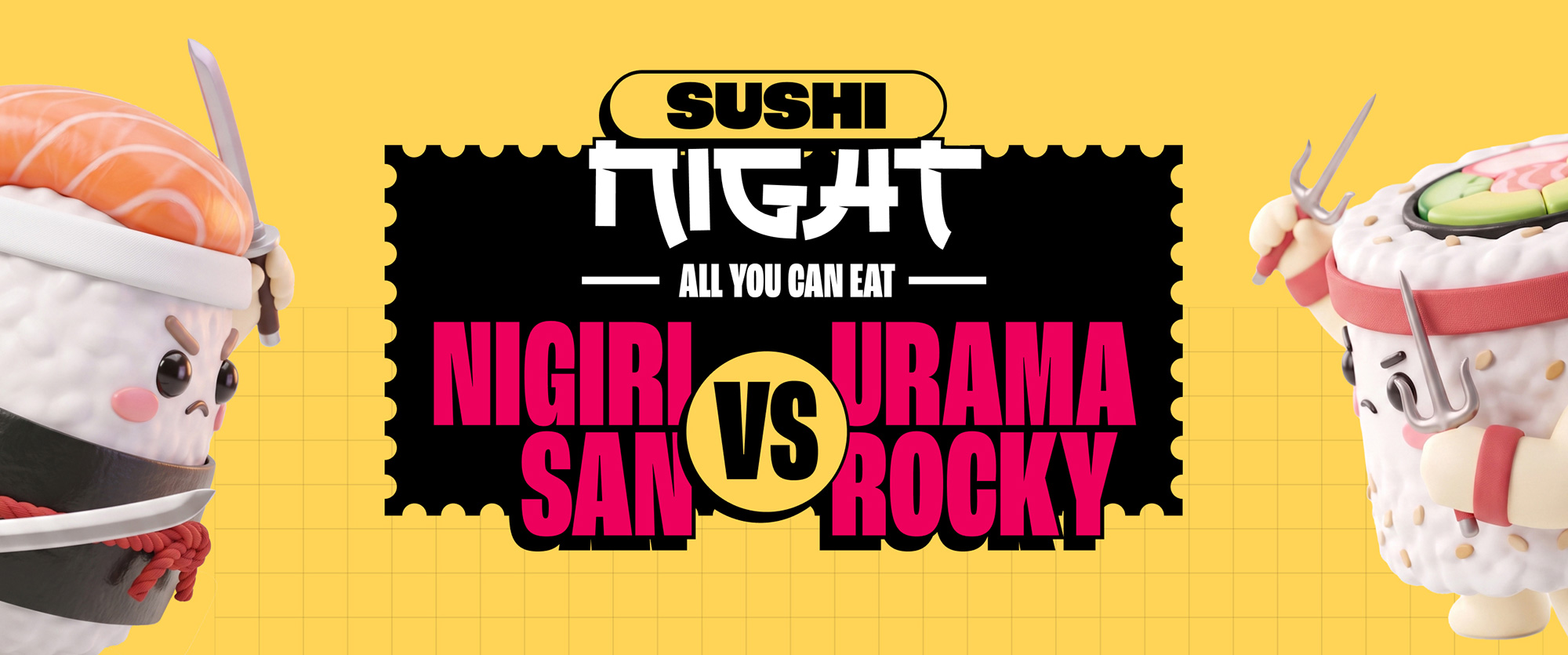
Within the framework of International Sushi Day, Niudo wanted to organize a special celebration and promote it. They were looking for something creative and attention-grabbing, and were open to different ideas. For previous celebrations, the restaurant had organized live shows featuring flying dragon performances, dancing lions, and even sword fights.
So, starting with the idea of combining an all-you-can-eat dinner with a live performance, I proposed creating a final showdown between two sushi pieces you would normally find in a sushi kitchen — brought to life with their own identity, backstory, and even a training team.
In the days leading up to the big event, all of Niudo’s communication would revolve around building anticipation for and promoting the ultimate battle.
After exploring a wide range of sushi pieces and elements, the two chosen for the ultimate showdown were Nigiri and Uramaki. I go into more detail about the rationale behind the creation of these characters in my article, Creating adorable sushi pieces that are also serial killers.
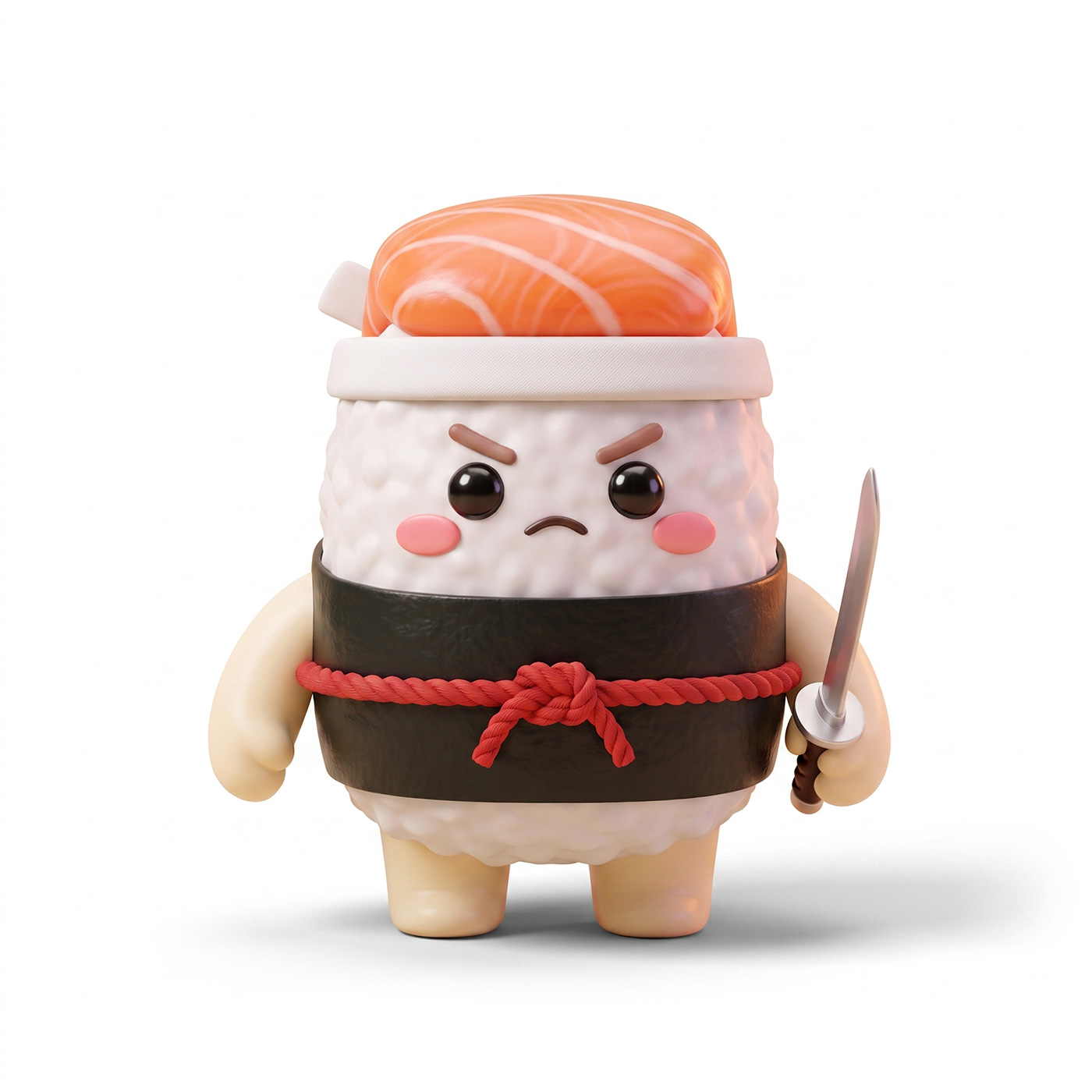
First, he was just a simple Nigiri. Then he trained under the guidance of his master, Miyagiri, and took on his teachings to become Nigiri San.


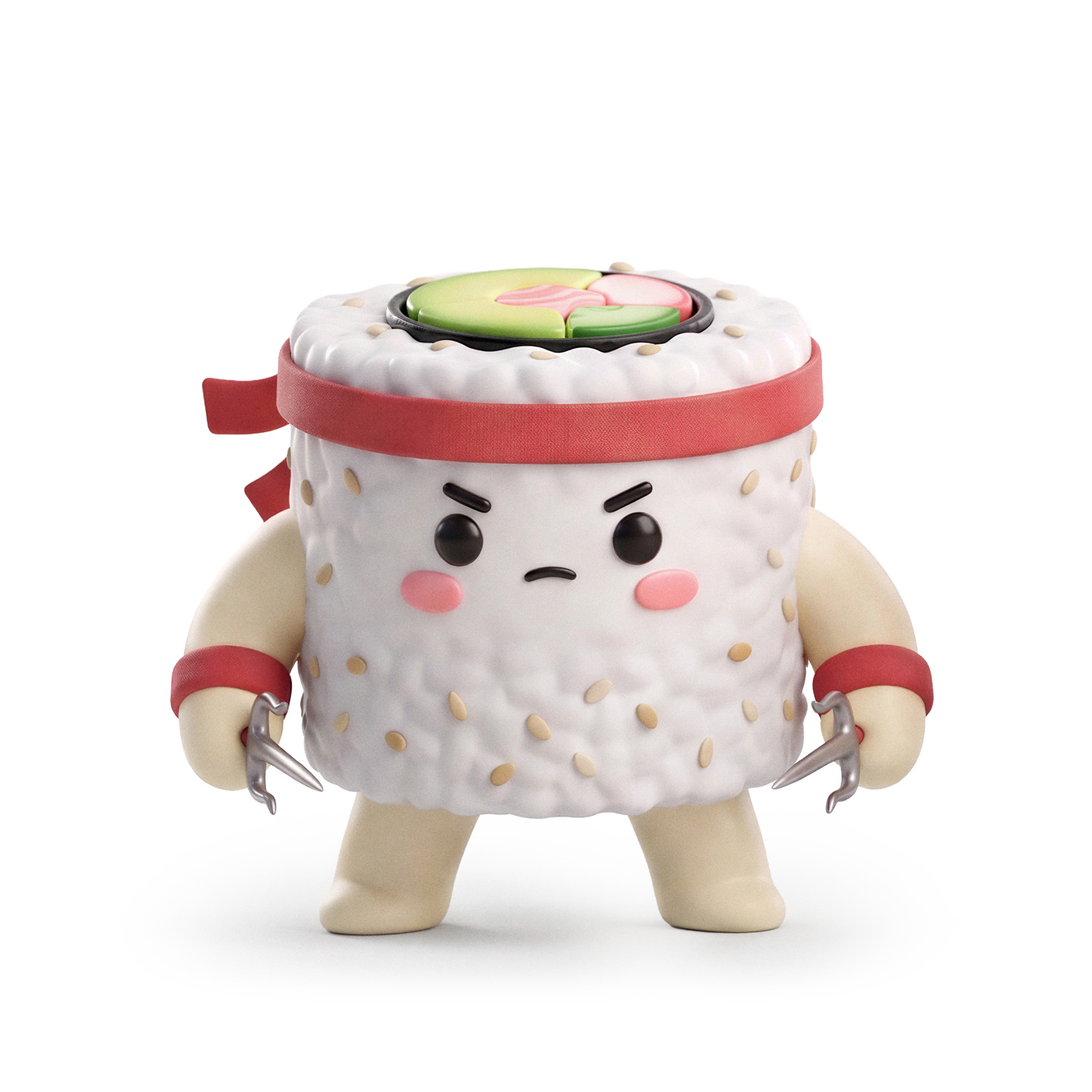
Before he started training like the Italian Stallion, he was simply known as Uramaki. After running through Philadelphia, punching sides of meat, and training hard under the guidance of Avocoach, he became Uramarocky.


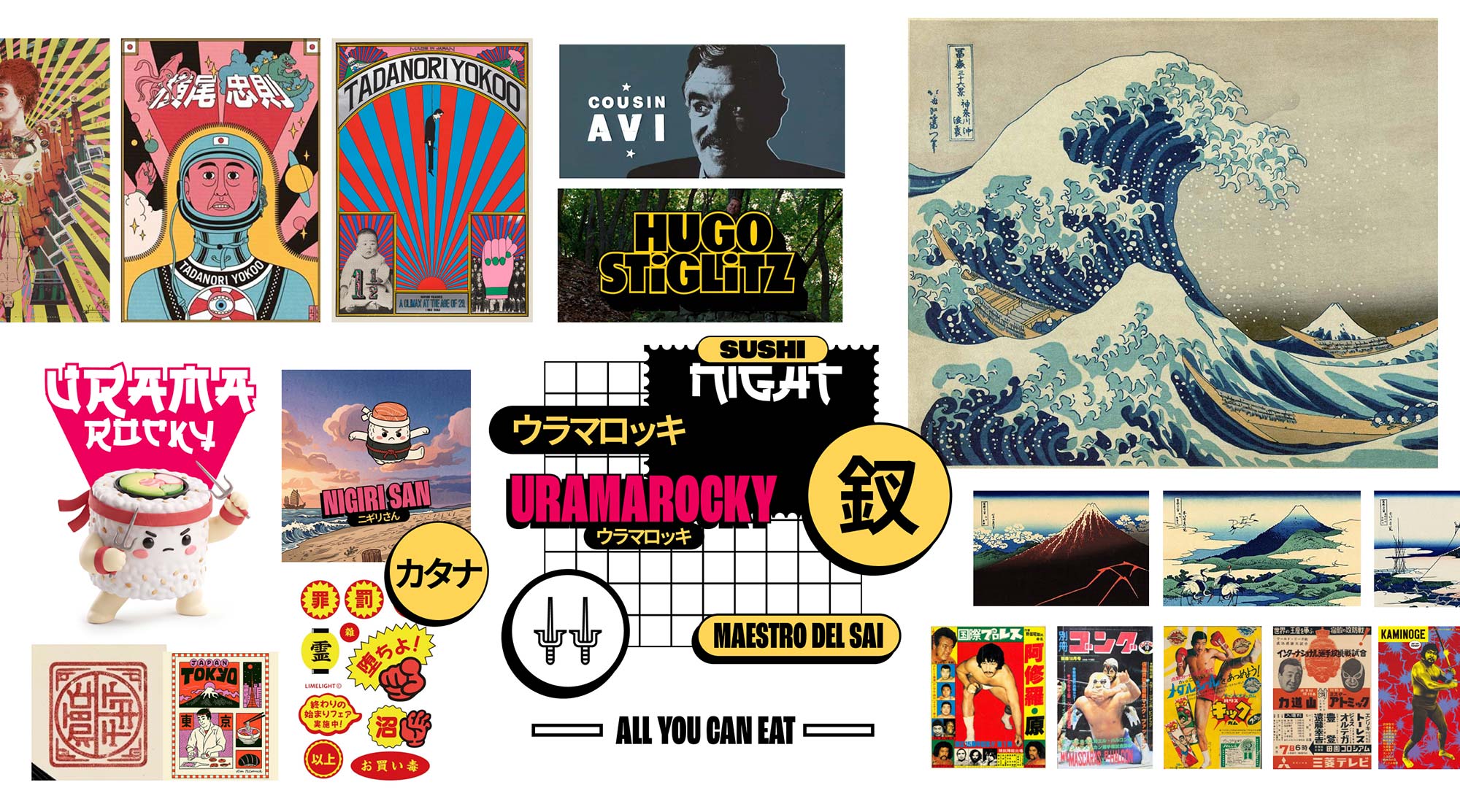
The process took me on a journey through traditional Japanese art: exploring the Ukiyo-e technique, the work of Katsushika Hokusai, and influential designers such as Yūsaku Kamekura and Tadanori Yokoo. From there, I moved into Japanese retro wrestling posters, while also taking cinematic references from filmmakers like Guy Ritchie and Quentin Tarantino.
Exploration is not a linear process. And I think that’s one of the best things about it. It’s about researching, experimenting, and taking the opportunity to learn along the way. If your pieces manage to communicate and visually reinforce the campaign concept, you’ve won.
If you want to dive deeper into the process, check out my article: Traditional Japanese Art Inspiration for an Epic Sushi Battle


Long before the fight takes place, the protagonists are preparing by training hard. One of the campaign’s pieces is this training montage featuring Uramarocky training. I go into all the details behind the making of the video in my article: I used AI to make a piece of sushi train like Rocky Balboa
The goal was to generate engagement and raise awareness of the event by introducing a gamification experience in the lead-up to it. To encourage participation, the player who reached the top of the leaderboard won a free dinner at Sushi Night 2026. Since Uramarocky had already had his own training sequence, it was only fair that Nigiri San got a chance to prepare for the final showdown too.
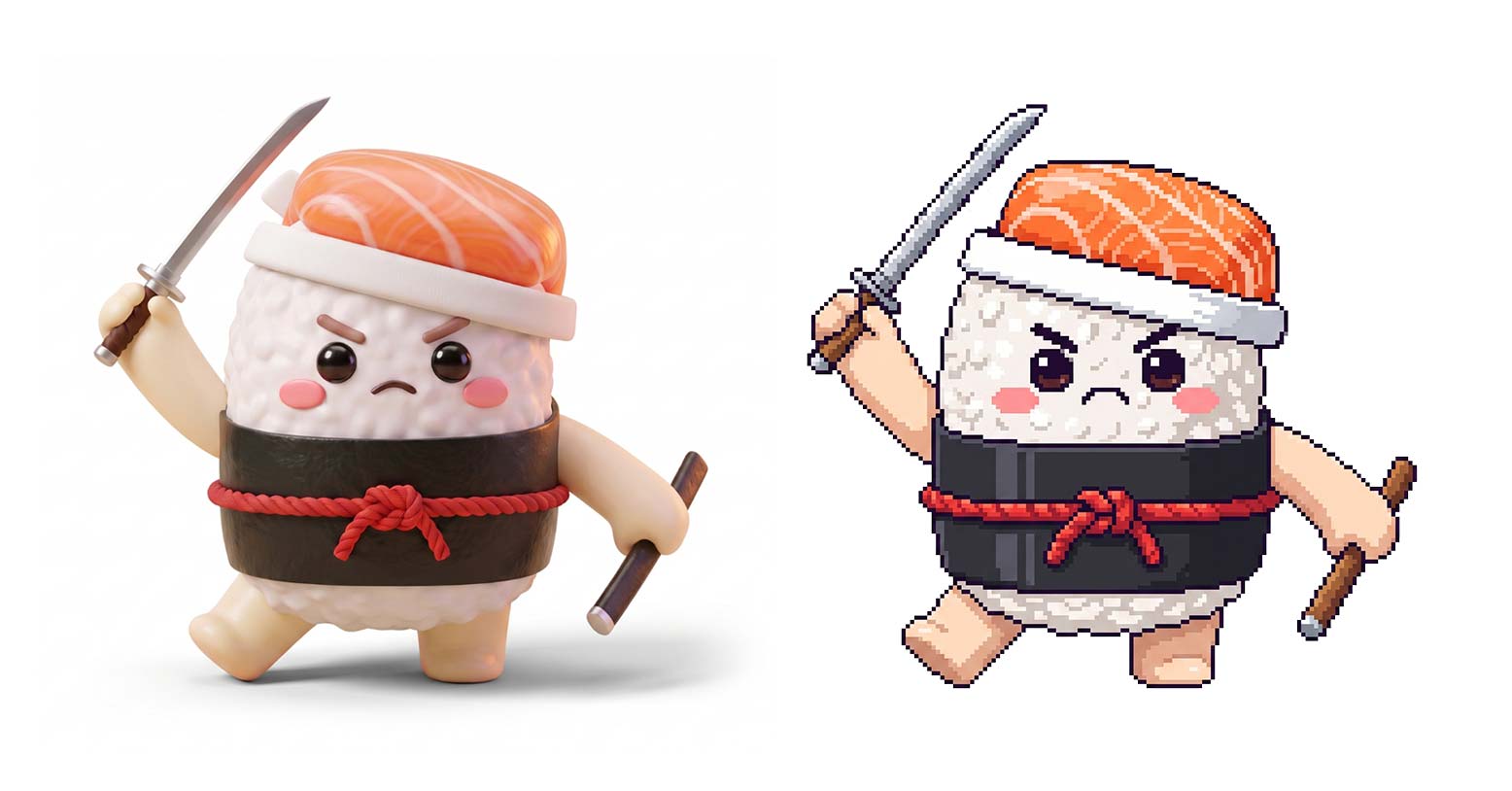
The game was one of the most fun parts of this project. Thanks to vibe coding, I was able to quickly add the features and mechanics I had in mind and turn the initial concept into a playable experience.
To see the full development process, check out my article: I vibe-coded a 2D beat ’em up game to promote a restaurant event.
Or, you can simply go and take down a few skeletons:
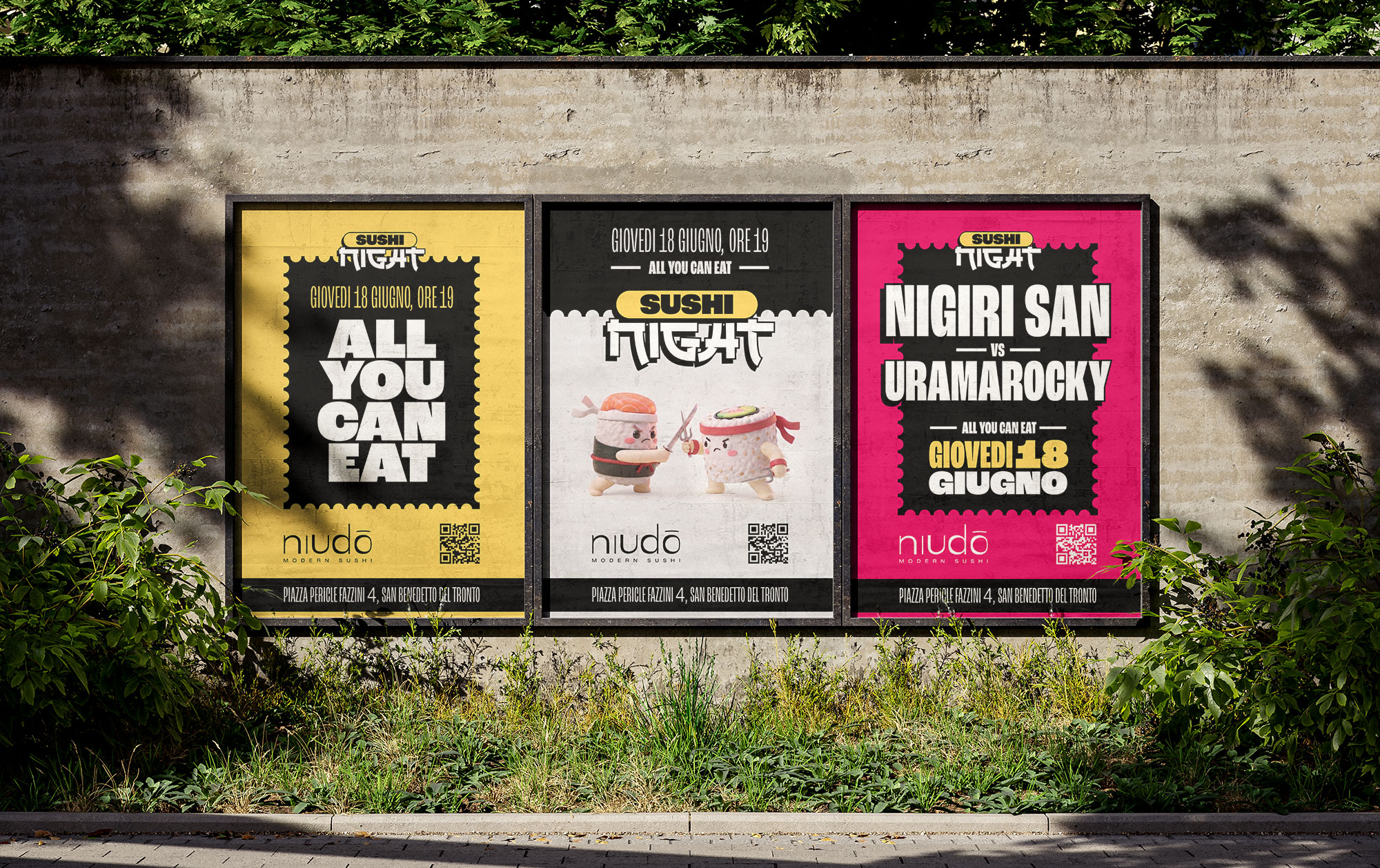


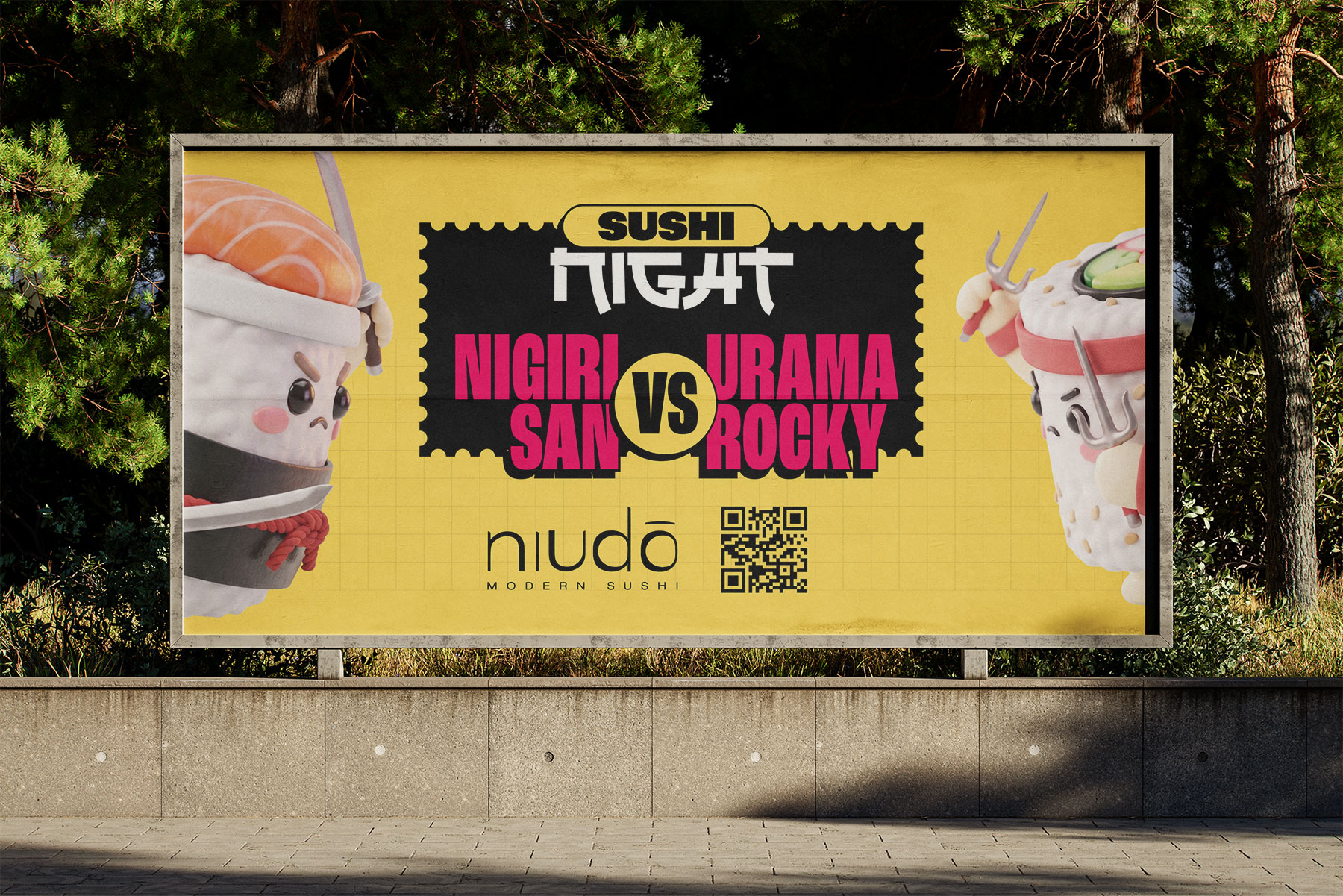
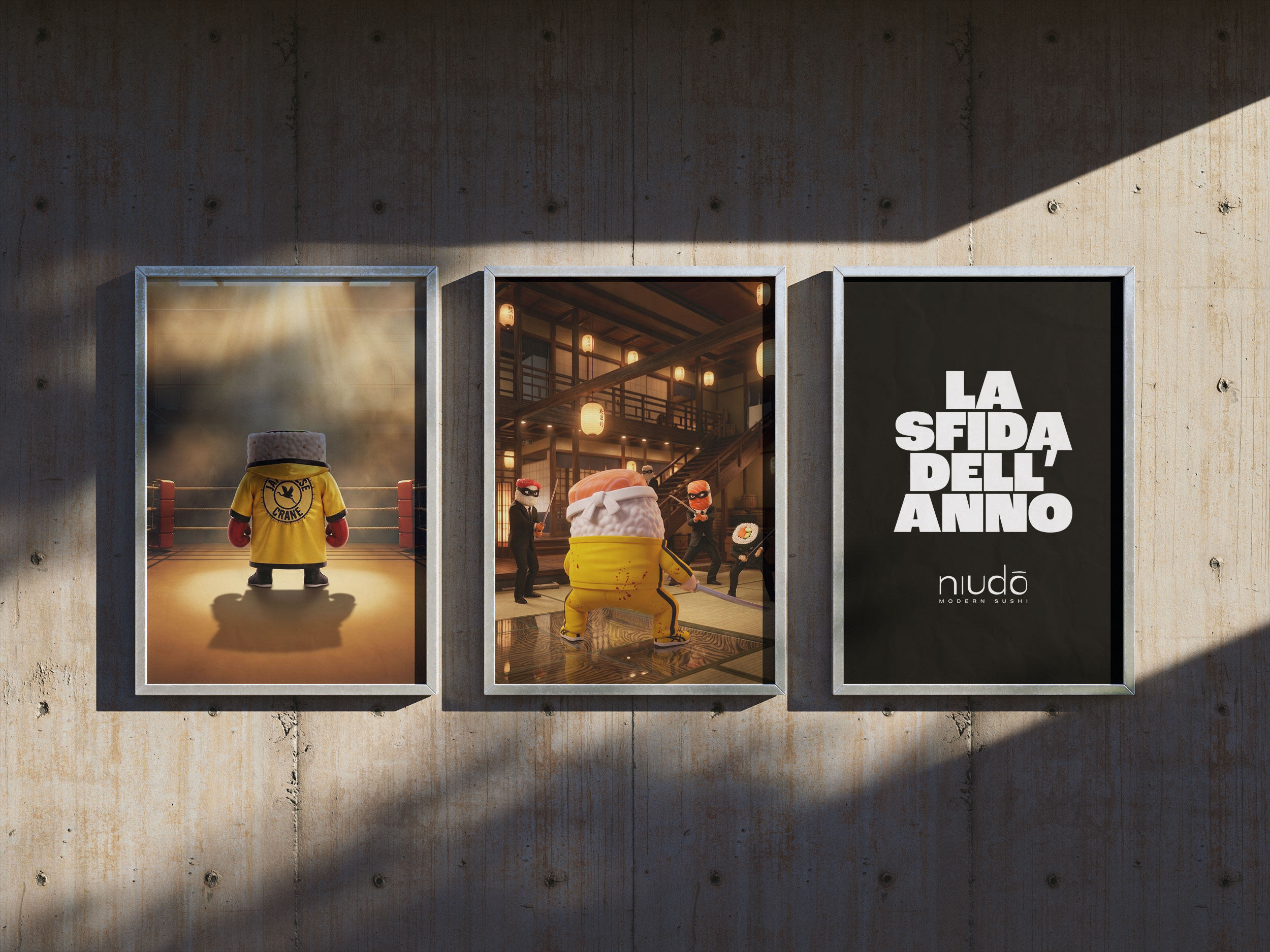
By implementing several AI workflows, I was able to significantly speed up the production process across the different assets and focus on what mattered most: the concept and characters development. This also allowed me to handle several tasks in-house that, if outsourced to different professionals, would have cost my client significantly more.
I’ll update this section once I have the data from Sushi Night.
What did I learn?
Definitely, the biggest thing I learned from this project was how to write better prompts for AI video models, especially while working on the Uramarocky training montage.
Since my professional background is in art direction rather than filmmaking, I was probably missing some of the technical vocabulary needed to describe certain camera movements or shots I had in my head. But after several rounds of back-and-forth and hundreds of credits burned, I’d say Kling 3.0 finally understood what I was trying to achieve.
And the biggest takeaway from the exercise was learning a lot about what not to say in prompts. Knowing what to leave out can be just as important as knowing what to include.
What would I have done differently?
Prompt well. To save credits. 😅
Next Steps
For a future edition of Sushi Night, I would include several marketing materials that were left out due to time and budget constraints:
4. Social Media Assets