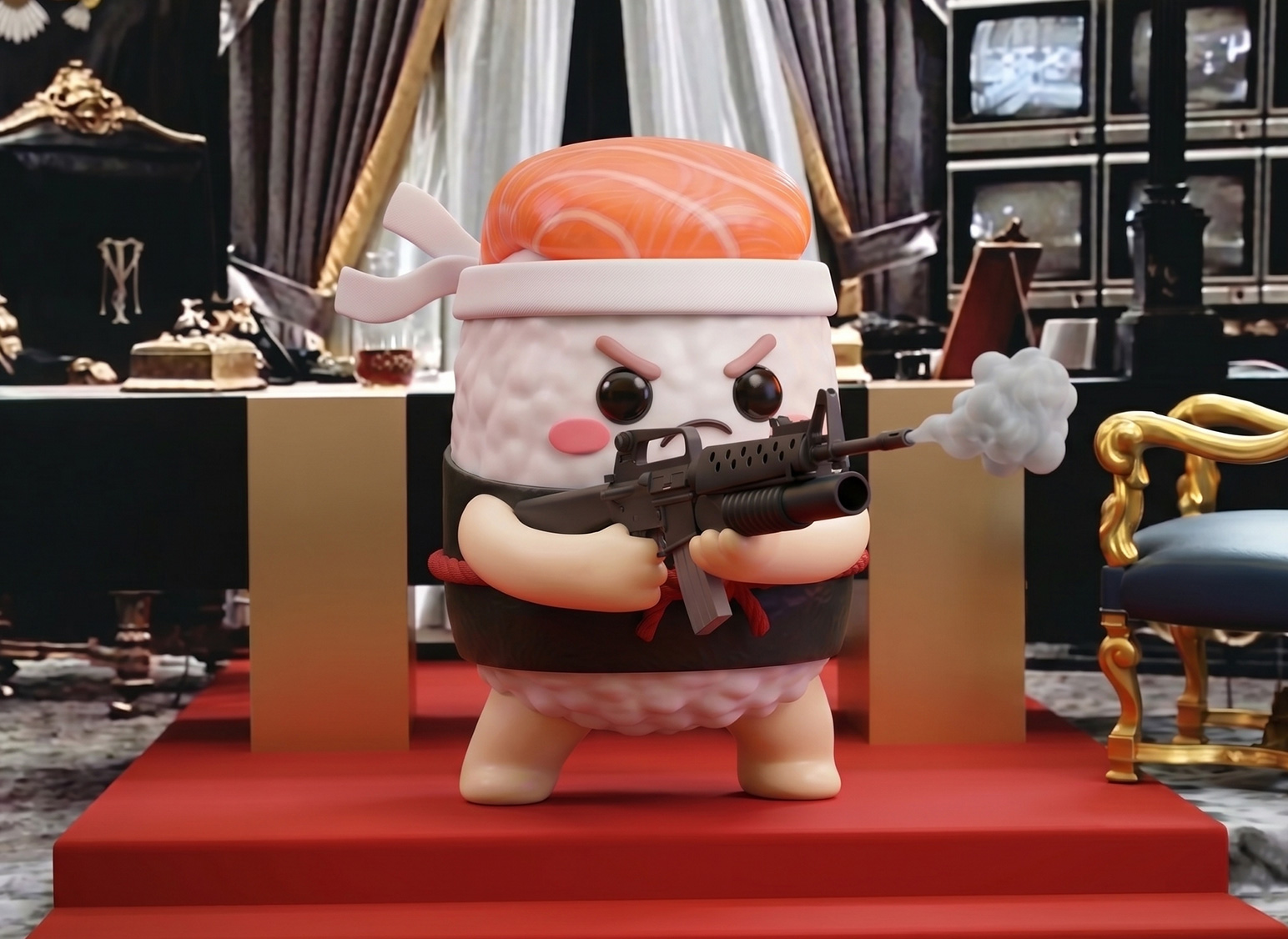
The game was created as part of the promotional activities for the Nigiris vs. Uramakis in the Niudo Sushi Campaign. The goal was to generate engagement and raise awareness of the event by introducing a gamification experience in the lead-up to it. To encourage participation, the player who reached the top of the leaderboard won a free dinner at Sushi Night 2026.
If you don’t care about the explanation I’m about to give about the game customization and just want to smash some skeletons, go ahead. (Just a heads-up: it’s designed to be played on desktop, so it won’t work on your phone.)
1. Implementing the Game Foundation: Phaser Game Engine
The game uses the Phaser Game Engine framework, which basically gives our AI the skills it needs to understand how to build and control a game, allowing us to give it a whole set of instructions and superpowers. But I didn’t start from scratch. Instead, I used a game foundation created by the awesome Chong-U, which was already very close to what I wanted to build.
To get started, I downloaded the resource folder and set up the game to run locally, so I could make all the customizations I needed. This can be done directly using whichever tool you prefer — Cursor, Codex, Claude, or whatever works best for you.
In my case, I used the Claude extension inside Visual Studio Code, which I already had configured from previous projects that were not games, but web and app projects. I like this setup because it gives you a nice three-panel workflow: the project files on the left, the currently open file in the middle if you need to edit something manually, and Claude’s panel on the right, where you can throw all your wishes at it.

2. Creating the Assets for Nigiri San’s Moves
For those who haven’t seen anything about my Nigiris vs. Uramakis campaign, here’s a quick overview of how the main characters were developed: Creating Adorable Sushi Pieces that are also Serial Killers. Since Uramarocky had already had his own training sequence, it was only fair that Nigiri San got a chance to prepare for the final showdown too.
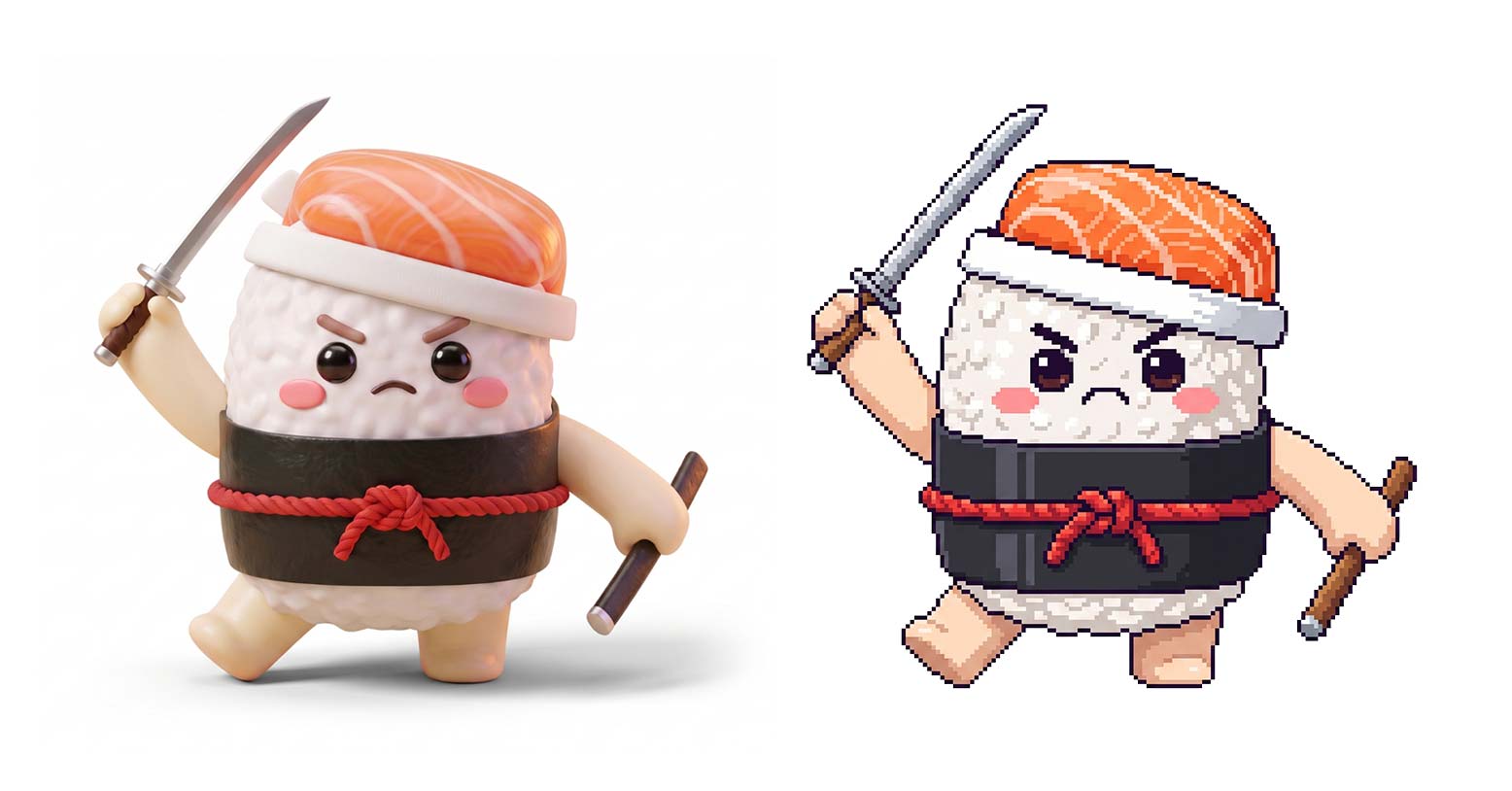
First of all, Nigiri San, who was originally created in a Pixar-style 3D aesthetic, needed to be adapted to match the visual style of the game. Literally a two-minute job for an AI these days.
The slightly trickier part was generating all the assets needed to cover Nigiri San’s different moves and states: idle, walk, attack, hurt, and death.


I didn’t dare ask Claude to directly generate the animations of the little sushi moving around. The result could have been literally anything. I didn’t want a sushi with three arms, or anything weird like that.
So I went into the assets folder to see how everything was actually structured. It turned out that each action animation was built as a sequence of individual frames — just like the good old Argentum Online from 1999, programmed in Visual Basic.
So, going old school, I edited each 256 × 256 px section manually in Photoshop. This gave me much more control and, most importantly, allowed me to keep the movements consistent across all the animations.

I generated the different poses with Nano Banana, using the main sushi asset as a reference, and then manually adjusted each sprite.
3. Customizing the Game to Match the Campaign’s Aesthetic
Once our fighter was ready, it was time to design the environment, align the game visually with the campaign’s aesthetic, and add some new functionality.
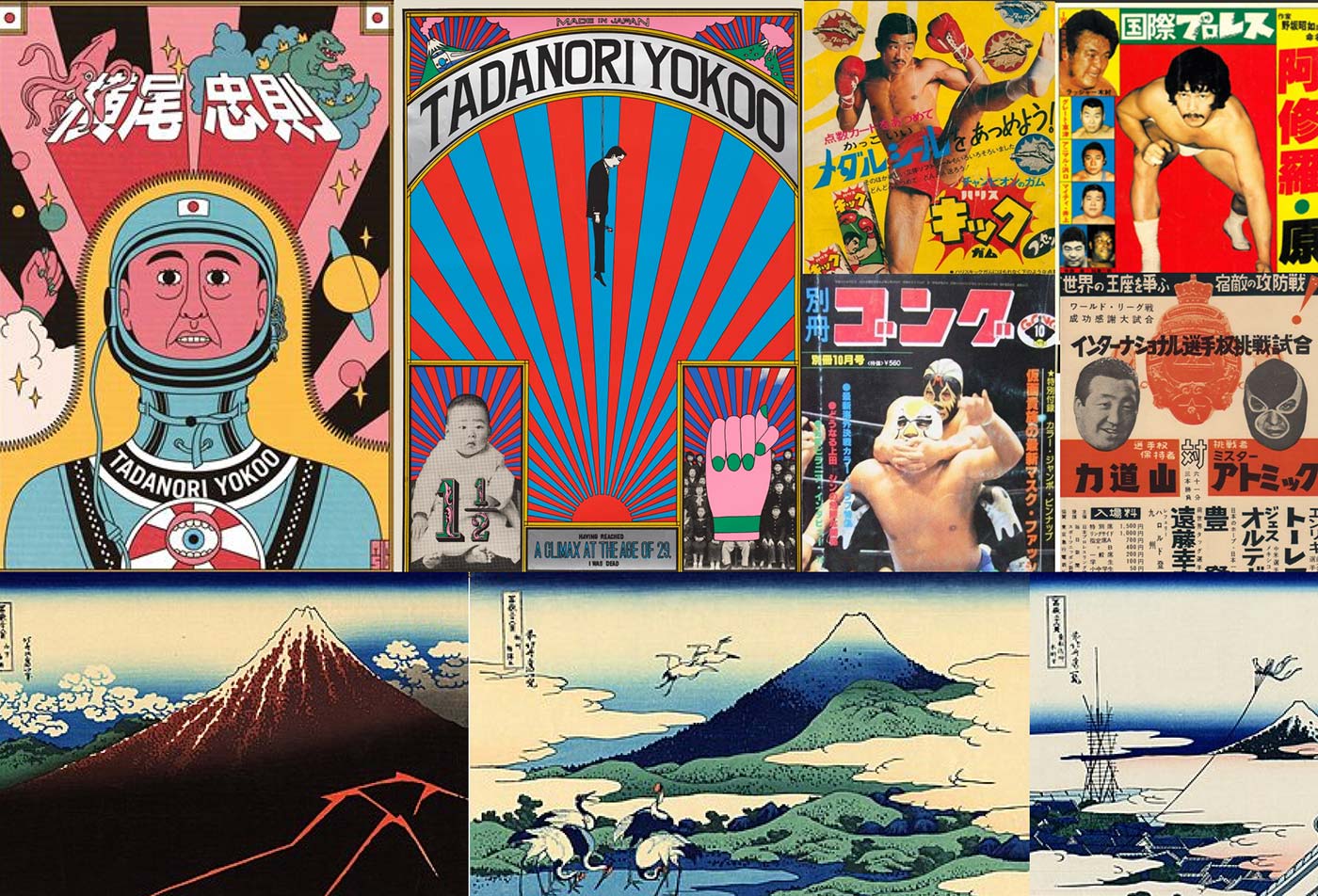
The combat arena was transformed into a dojo by integrating Japanese landscapes and cultural elements. For the UI, I kept things simple and easy to use, incorporating specific visual elements from the campaign.

4. Getting the Game to Run Properly and Adding New Features
When I talked about the game foundation shared by the awesome Chong-U, what was basically working was a skeleton chasing and attacking a pirate. If the skeleton killed you, everything just stopped there. If you killed the skeleton, it just stood there. That was it. End of story.
From there, I started adding new features — some simple, others more complex — to first make the game actually playable and then make it more engaging. I used natural language to describe what I needed and asked Claude to implement it.
Some of the simpler features included:
- Defining the health points for Nigiri and the skeletons.
- Creating an endless level system, progressively adding more skeletons to increase the difficulty.
- Triggering a Game Over when a skeleton kills Nigiri.
- Adding a Game Over screen with the option to replay.
- Adding health potions so Nigiri can recover energy — with a clear nod to the legendary Prince of Persia.
Could I have built the entire animation sequence for Nigiri drinking the potion? Sure. But it would have been a lot of work and completely out of scope. So I simply stole the GIF and made it so Nigiri recovers health by walking over the potion. Much easier.

Fun fact for those who didn’t know: the original Prince of Persia, released in 1989, owes much of its success to the remarkably fluid animation of its protagonist — something that had never been seen in video games before.
Its creator, Jordan Mechner, spent hours studying footage of his brother running and jumping in white clothes. This allowed him to make sure the movements looked as realistic as possible, using a technique known as rotoscoping.
Integrating the Leaderboard
Getting back to the case, the slightly more complex feature was the scoring system, since it involved building several UI screens and integrating a database to store the records. To give the game that competitive spirit and make it more engaging for users, adding a leaderboard was key. And remember: whoever finished at the top of the chart won a free dinner on Sushi Night.
So, this involved:
- Defining a scoring system: I needed a way to start keeping track of points. Each defeated skeleton was worth 27 points — a completely random number that I like because it’s the jersey number of El Oso Pratto. If you don’t get the reference, ask someone.
- Creating new UI screens: Designing new game screens, buttons, and flows to support the leaderboard experience.
- Integrating a database: Claude recommended using Supabase. I had already used it for another vibecoding project — an app — and it had worked really well, so it was an easy choice.

5. Testing with Real Users and Adding Miyagiri’s Instructions
Once the game was “playable,” I started running user tests. I shared the game link with people around me at the coworking space and asked if I could watch them play to see what they naturally did. It was important to have them play through the link so I could test the game across different computers, operating systems, and browsers.
From a technical standpoint, everything worked fine. But then the alarm bells started ringing: 8 out of 10 players had no idea how to attack with Nigiri San. Pretty serious. By default, the game had a little message at the bottom of the screen basically saying: use the arrow keys to move and press Z to attack. The problem was that nobody was reading it. The imminent threat of the skeletons was clearly clouding the players’ judgment. 🤣
The solution? Enter Miyagiri.


If you don’t know him yet, here’s the profile of Miyagiri, Nigiri San’s personal trainer.
As for the instructions functionality, it was pretty straightforward. Immediately after the main menu, once the user clicks Play Now, the game displays the instructions. I told Claude to show them only the first time the user enters the game from the main menu, and not to show them when the user comes back through the Replay flow.
I repeated the tests with another group of users who had never played the game before. After introducing Miyagiri and his instructions, there was no longer any confusion about how to play.
Project Timeline
Is the person telling you they vibecoded a game in 2 hours right? Partially. You can absolutely take the Phaser framework — or simply use their AI coding agent — describe the game you have in mind, and have it build something playable for you in a couple of hours. Yes.
But what if you want your game to not only be playable, but also aligned with a specific brand or campaign aesthetic, follow a coherent user flow, include several extra features, save scores, etc., etc.?
Well, then it’s not going to take 2 hours. It’s going to take around 2 days of work.
There are all those little details: weird flows, misaligned elements, inconsistencies between screens, fonts rendering strangely, and a bunch of tiny things that don’t come out right on the first try.
Claude fixes most of them on its own, though. It works incredibly well, no doubt about it. But you still need to keep an eye on the details and point them out when something needs fixing.
Project Costs
- Phaser framework edited by the awesome Chong-U: €0
- Supabase database: €0
- Claude Code Pro subscription (including Italian taxes): €21.96 (monthly)
Conclusions
I would have loved to add more features to the game: music, sound effects, more actions for Nigiri, like jumping and blocking attacks. I also wanted to add different enemies for Nigiri to fight, change the environments as he progresses through the levels, and even add bonus stages in true Mario Bros. style.
And there are plenty of other features I had written down that would have been fun to add. But every little feature comes with some extra work, and client and project timelines are always tight. So, considering the amount of time I spent on it, I’m pretty happy with the result — especially considering that my client was able to add a powerful marketing asset to the campaign for the ridiculously low cost of €21.96. (I’m not including my working hours, which are actually the expensive part.😆)
If you made it this far, honestly, thank you so much for reading. And to reward you, I’m going to give you a little hint for unlocking a cheat in the game. There’s a trick that makes you invulnerable, inspired by the classic Doom II, released in 1994. If you’re a nostalgic gamer, you probably know the famous key sequence. (Just a heads-up: if you activate the cheat, the skeletons won’t count towards your score)
If you’ve never played Doom II, I’m sorry. You can still go fight the skeletons anyway — Nigiri San’s katana is more than enough.